
Resume writing9 min read
Google Docs Resume Templates: Free Layouts vs Ones Written for Your Job
A Google Docs resume template from the free gallery gives you a layout and no content. Here are Docs-editable templates written for your job, a two-minute layout test, and when a written one saves the evening.

On this page
Key takeaways
- Google Docs has five free resume templates in its template gallery. Each Google Docs resume template there gives you a layout and placeholder text, not content for your job.
- Parsing trouble comes from tables, side columns and headers, not from Google Docs itself. Test any template in two minutes before you fill it in.
- A Word (.docx) resume opens and edits in Google Docs, so you are not limited to the Docs gallery.
- A free layout is enough if you already have strong bullets. If the blank experience section is the hard part, start from a template written for your job title.
Yes, Google Docs has free resume templates, and some of them are perfectly usable. Open Docs, go to the template gallery, and you’ll find five under Resumes. What none of them give you is the part that takes the evening: bullets, keywords and a summary for your actual job. Below are Google Docs resume templates written for specific jobs, then which gallery layouts are safe to send, how to test one yourself, how to use a Word template inside Docs, and when paying for a written one is worth it.
Google Docs resume templates written for your job title
A written template is a finished draft for one job, with the numbers and names left in brackets. You replace [X] calls a day with your number, and the sentence is already built around what that employer screens for. Every kit below opens and edits in Google Docs. The “leads with” column is useful even if you never buy anything: it tells you what the top third of your own resume should say.
| Job title | Industry | What the kit leads with |
|---|---|---|
| Data Analyst | Data and analytics | SQL depth (window functions, CTEs) and a named BI tool such as Tableau or Power BI, then dashboards other people actually use |
| Receptionist | Operations and admin | Calls and visitors a day, routing a caller right the first time, and the visitor log described as the fire roll-call record it is |
| Cashier | Customer service and retail | A clean till record, returns and other exceptions, age-restricted sales and self-checkout supervision |
| Teacher Assistant | Education | How you meet the ESSA paraprofessional requirement (ParaPro Assessment or college study), then IEP and 504 accommodations |
| Entry Level Software Engineer | Technology | Projects you chose and a merged contribution to someone else’s code, placed above coursework |
| Graduate Nurse | Healthcare | Program, graduation date and license status first, then what you did unsupervised on placement |
Not your job? Browse all resume templates by industry or career level.
Free Google Docs resume templates: what the gallery gives you

To find them, open docs.google.com, click Template gallery at the top of the page, and scroll to the Resumes row. Inside a document, File > New > From template takes you to the same place. The five resume designs are Swiss, Serif, Coral, Spearmint and Modern Writer. They cost nothing beyond a free Google account, and you can download the result as a PDF or a Word file.
Each template gives you three things: fonts, spacing, and a set of section headings filled with placeholder text. That’s a real help if your problem is layout. You won’t fight margins or line spacing.
What you don’t get is anything about your job. The experience section is generic filler you delete line by line, and you’re left with an empty box under each employer. For most people, that empty box is why the resume is still unfinished.
| Google Docs gallery template | Template written for your job title | |
|---|---|---|
| Layout, fonts, spacing | Yes | Yes, single column |
| Summary for your role | No, placeholder text | Yes, with [brackets] for your details |
| Bullets for your duties | No | Yes, with the tools and credentials the job asks for |
| Keywords from real postings | No | Yes |
| Matching cover letter | No | Yes |
| Cost | Free | Paid, one time |
Which Google Docs layouts parse cleanly
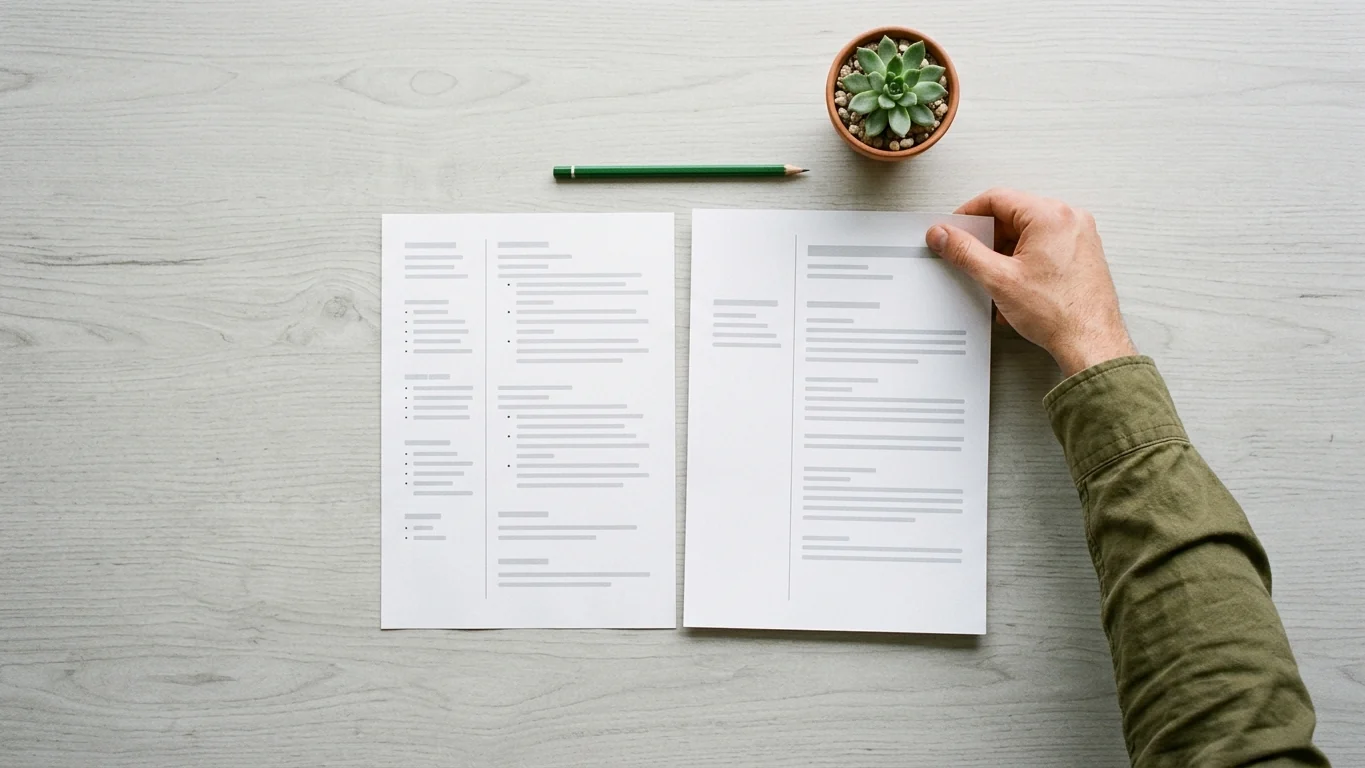
An applicant tracking system reads your file as text, top to bottom. Most parsing problems come from structure that looks tidy on screen but isn’t one clean stream of text underneath: tables, side columns, text boxes, and details placed in the page header. Google Docs isn’t the problem. Some layouts are.
Of the five gallery designs, Serif is the one most often flagged because it uses two columns (Mirrai Careers reviewed all five). Other reviewers disagree about the rest, and third-party “Google Docs templates” vary even more, since many are built on tables to hold the sidebar in place. So don’t take anyone’s list on trust. Test the file in front of you.
The two-minute layout test
- Click into the skills or contact block and right-click. If the menu offers table options such as “Delete table” or “Table properties”, that section sits inside a table.
- Put your cursor in each section and open Format > Columns. If two or three columns is selected, that part of the page is split, and a parser may read across the columns instead of down them.
- Select all, copy, and paste into Notepad or TextEdit. Read it top to bottom. If your name, job titles and dates come out in the order a person would read them, the layout is fine. If the skills column lands in the middle of your first job, a parser will likely see the same jumble.
- Check the header. Double-click the top margin. If your name, email or phone lives up there, move it into the body of the page, because some systems skip header content.
For the full list of what to avoid and why, see our guide to ATS-friendly resume format. If you’re not sure what the software does with your file in the first place, what an ATS resume is explains it in plain terms.
How to use a Word resume template in Google Docs

You are not limited to the Docs gallery. If you are working out how to make a resume on Google Docs without a blank page, this is the quickest route: any .docx resume, including every file in our kits, opens in Docs. Here is the order that avoids the usual damage.
- Upload it. In Google Drive, click New > File upload and choose the .docx. Double-click it to open in Docs. Resume templates already on your Google Drive open the same way.
- Look for the .DOCX label next to the file name. That means you’re editing the Word file directly. You can stay that way, or use File > Save as Google Docs to make a Docs copy. Either works; pick one and stick to it so you don’t end up editing two versions.
- Check the page count before you type anything. If the one-page resume has spilled onto page two, a font was substituted or the spacing shifted in conversion. Fix that first, while the text is still the template’s.
- Find every bracket. Press Ctrl+H (Cmd+Shift+H on a Mac) to open Find and replace, tick “Match using regular expressions”, and search for
[[^]]*]. Docs highlights every [BRACKET] in the file, so you can step through them and none survive into the version you send. - Delete what isn’t true for you. A written template gives you more bullets than you need. Keep the ones you can back with your own number, cut the rest.
- Download the file to send. File > Download > PDF Document for most applications, or Microsoft Word (.docx) when the posting or portal asks for Word.
- Name it for the reader:
Firstname-Lastname-Receptionist-Resume.pdf, notCopy of Resume (3).pdf.
Our post on editing a resume template in Word, Google Docs and Pages covers paragraph styles and the formatting that tends to shift between programs.
When a free template is enough, and when it costs you the evening
Be honest with yourself about which problem you have. A free Docs template solves layout. It does nothing for content.
Free is enough if you already have a resume with solid bullets and just need a cleaner page, or you’re applying in a field where you know exactly what to say and have numbers ready for each role. Pick a single-column template, run the Notepad test, paste your text in, and you’re done.
A written template saves time if you’re staring at the empty space under each employer. That’s common for first jobs, career changes, and anyone whose work is hard to describe from memory. Compare what most people type into a blank Docs template with a bullet built for the job:
The second version tells a hiring manager the scale of the desk and the judgment involved, and it uses the words a front-office posting uses. Writing that from scratch means knowing what the employer screens for. A cashier resume is the same story: “handled cash” says nothing, while a till record balanced with [no variance] across [X] months is the line a store manager is looking for.

Cashier Resume Kit
Already written around the till record, exceptions and age-restricted sales that store managers check. Opens in Google Docs; you replace the brackets with your details.
Prefer to check first? Every role page shows free sample bullets, keywords and interview questions before you pay anything.
What a written kit includes
The single template is a one-page resume, a two-page resume and a matching cover letter, all as .docx. The Career Kit adds a bullet library for four experience levels, an ATS keyword bank, LinkedIn headlines and About text, interview questions for the role, an AI prompt pack and a job application tracker. Everything downloads as files you keep. There’s no builder account and no subscription.
Common questions
Are Google Docs resume templates really free?
Yes. The five resume templates in the Docs template gallery are free with any Google account, and downloading the finished resume as a PDF or Word file costs nothing. Third-party sites that sell “Google Docs templates” are a separate thing and vary in price and quality.
Is a Google Docs resume ATS-friendly?
The program doesn’t decide that; the layout does. A single-column resume with plain headings and contact details in the body of the page downloads from Docs as a clean file. Tables, side columns and text in the header are what commonly break parsing, so run the Notepad test before you send it.
Should I download my resume as a PDF or a Word file?
Follow the posting first. If it says Word or .docx, send that. If it doesn’t say, a PDF keeps your layout exactly as you saw it, which is why most people send one.
Can I edit a Microsoft Word resume template in Google Docs?
Yes. Upload the .docx to Google Drive and open it in Docs. Check the page count straight away, because a substituted font can push a one-page resume onto a second page, then edit as normal and download as PDF or .docx.
Which Google Docs resume template is best?
The best one is the single-column template that passes the Notepad test with your text in it. Serif uses two columns and is the one most often flagged. After layout, what decides whether you get a call is what you write in the experience section, not which of the five designs you picked.
Start from a resume already written for your job
Find your job title, read the free sample bullets on its page, and open the kit in Google Docs the same evening. You replace the brackets; the structure and wording are done.
Find your resume template
Written by
Founder, Disruptive Templates
Umair Sajid runs Disruptive Templates and has spent a decade in digital marketing, most of it looking at how people are found online. The resume templates here come from the same question asked of hiring software instead of search engines: what does the machine actually read?

Server Resume Examples: Covers, Checks and Upselling
Managers read a server resume for section size, covers per shift and how you move the check. Here are bracketed examples for casual, fine dining, banquet and bartender-server jobs.

Security Guard Resume Examples: License, Posts and Incidents
Recruiters at security companies check your guard card before anything else. Here is where it goes, with bullets for each post type, incident report wording and an armed version.

Project Manager Resume Examples: Scope, Budget and Delivery
Lead with your method and credential, give every project a size line, and write bullets about what the plan met in real life. With IT, construction and agile versions.